Lite is the editor at its simplest.
One main track, a few tabs of what goes in, and Export. For a first cut, or a video that goes out today.
Lite and Pro are one app. The switch is in Settings.
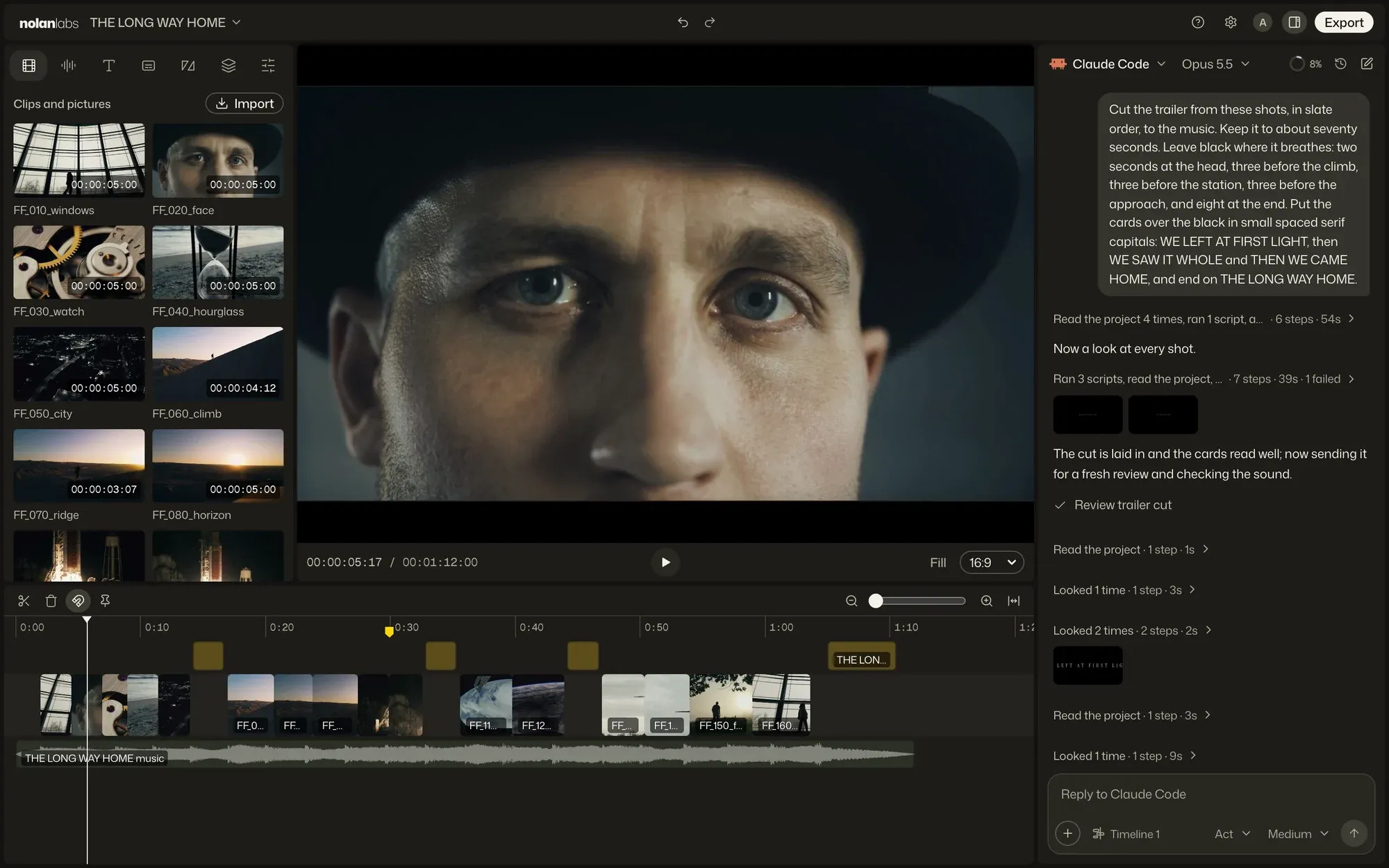
- Seven tabs hold what goes in: media, audio, text, captions, transitions, effects and Adjust.
- The picture plays the timeline, with its shape and Fill under it.
- Export asks for a size, a name and a folder.
- The chat is on the right, as in Pro.
The track
Take a clip out, and the cut closes up.
Words and pictures go on rows over the main track, music and sound under it. A row shows only when it holds something.
-
Drop files on the track, and each goes in where it lands.
-
Drag a clip along the track, and the order changes.
-
Pull an end to trim, and what follows moves with it.
Shapes
Pick a shape, and Fill covers it.
16:9, 9:16, 1:1, 4:5 and 4:3, or 2.39:1 and 2:1 for cinema. Fill zooms every picture to cover the frame, as one step you can undo.
Words
Type the words. They arrive in a look.
Text puts them at the playhead in the look you picked. Captions come from what is said in your clips, timed to the speech.
-
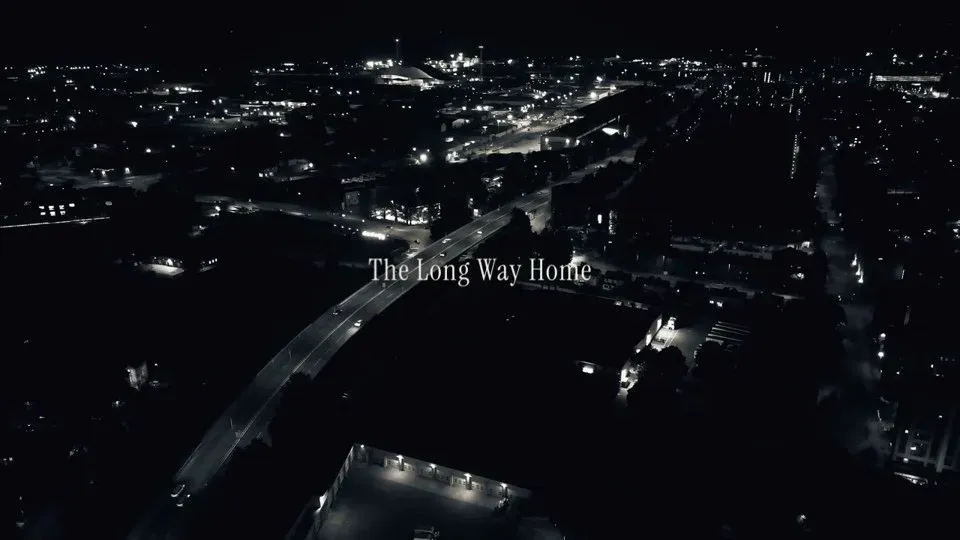
Cinematic -
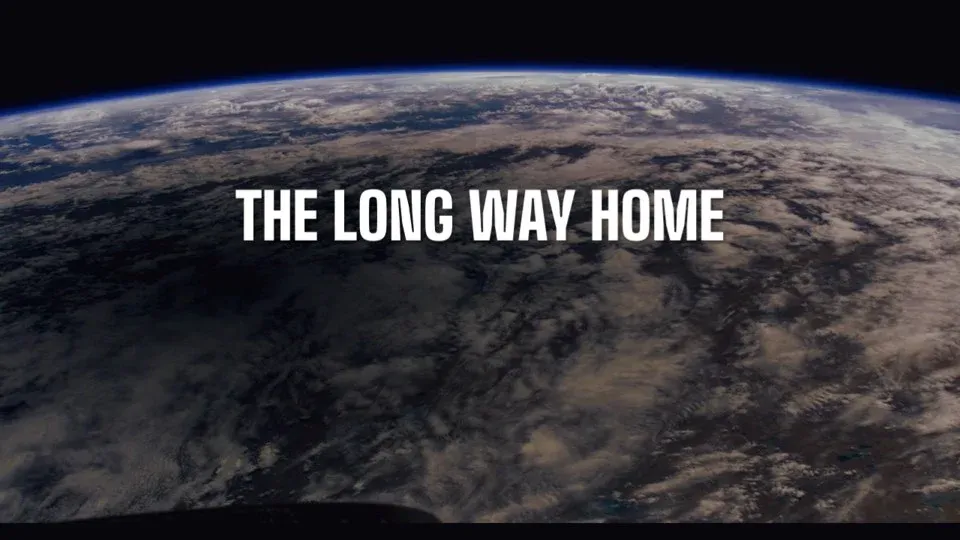
Poster -
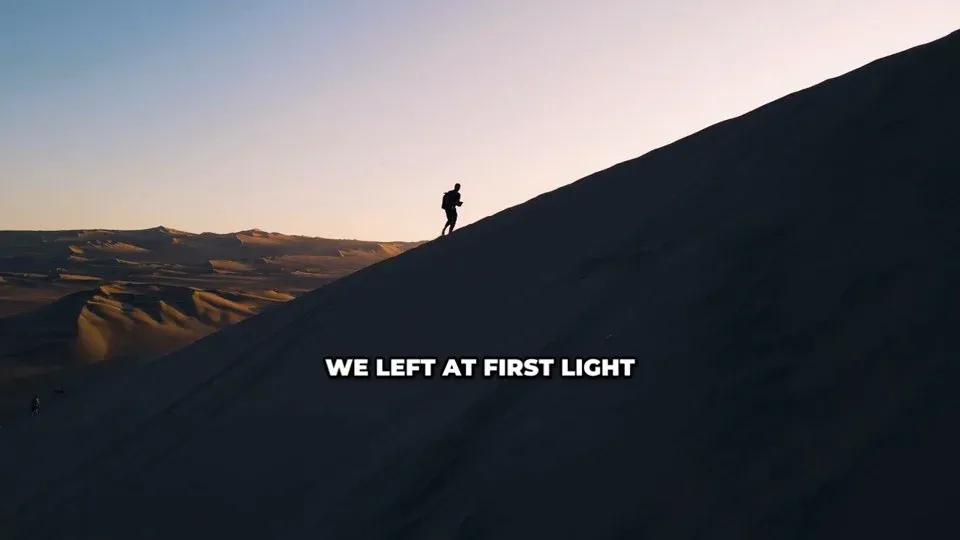
Bold caption -
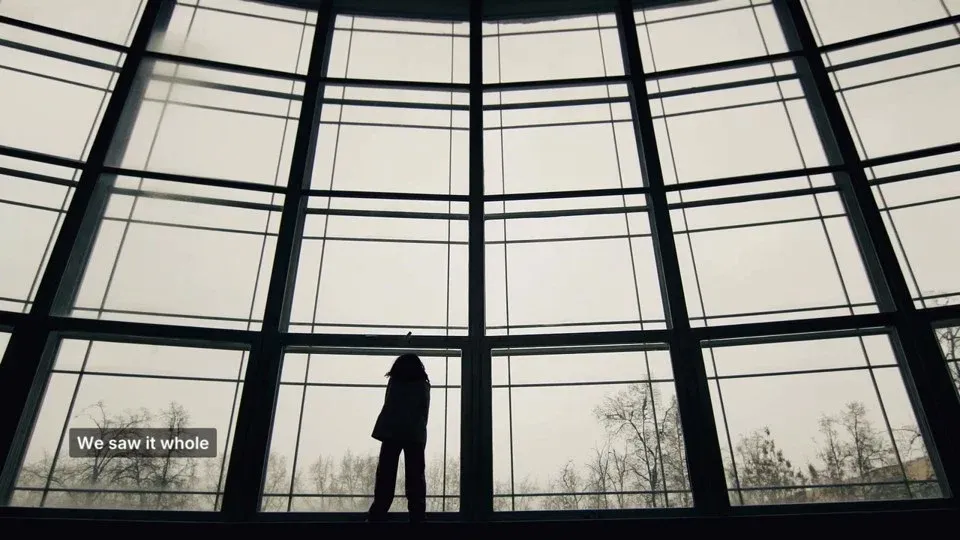
Lower third -
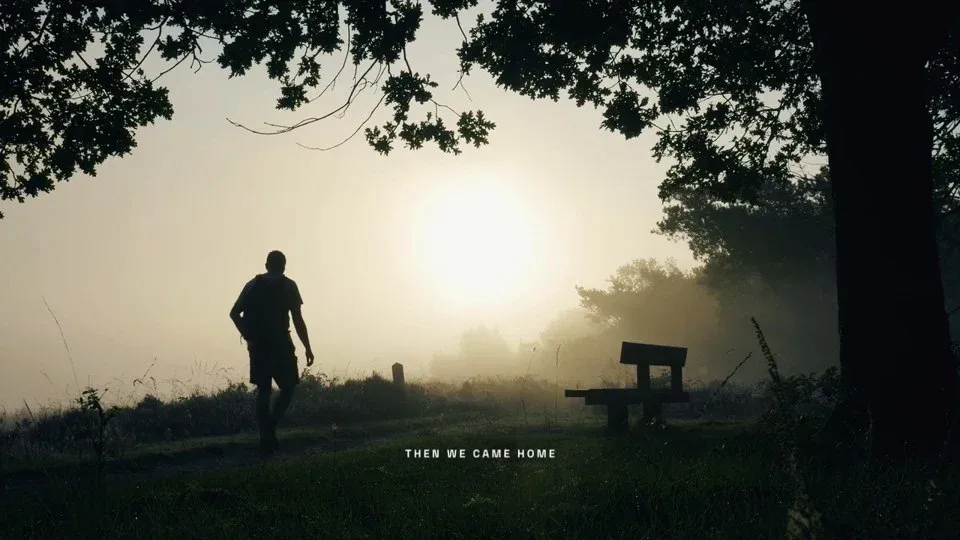
Kicker -
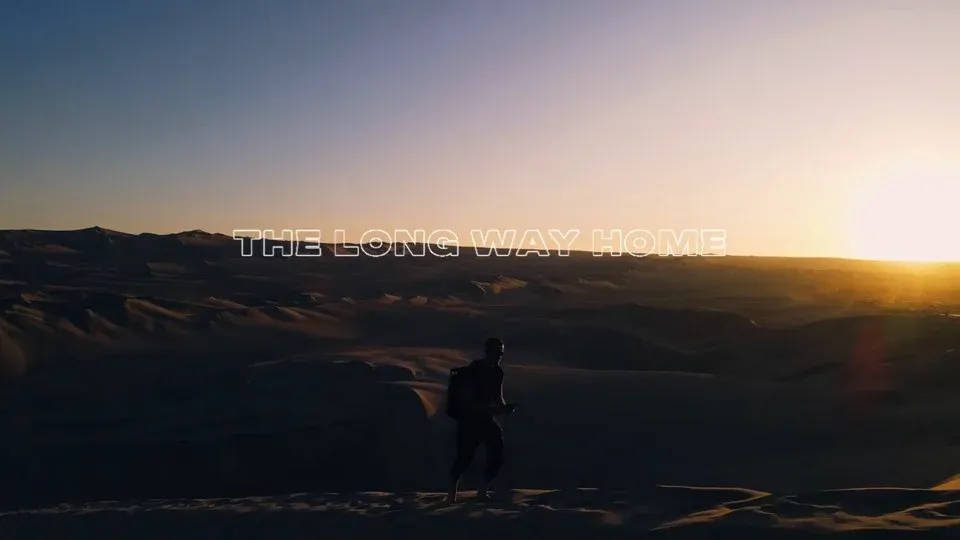
Outline
Lite and Pro
Change your mind mid-cut.
Both open the same projects and timelines. A cut started in one goes on in the other, with its undo history.
Settings is the gear in the top bar. A new install opens in Lite.
The basics, in short clips
Bring the footage. Give the direction.
Free to start. Apple silicon, macOS 13 or later. Also for Windows.Free to start. Windows 11, 64-bit. Also for Mac.Free to start, on Mac and Windows.