Download nolanlabs.
The whole editor and Nolan Edit, the agent built in, in one download.
0.1.115 · Nov 19, 2026 What’s new
nolanlabs runs on a Mac or a Windows PC. Open this page there, or email yourself the link.
Free to start. The editor costs nothing, and every account has 100 NolanX credits a month.

First launch
Three moves to your first cut.
- 01
Drag it in. Open the .dmg and drag the app to Applications.
- 02
Open it. macOS asks once, as for anything downloaded. Press Open.
- 03
Sign in. The app asks for your nolanlabs account, with an email code or Google.
- 01
Run the installer. It installs for your account, with no admin rights.
- 02
Let it through. If a blue box says Windows protected your PC, press More info, then Run anyway.
- 03
Sign in. The app asks for your nolanlabs account, with an email code or Google.
From there Nolan Edit is in the chat, and the app keeps itself up to date.
Your first cut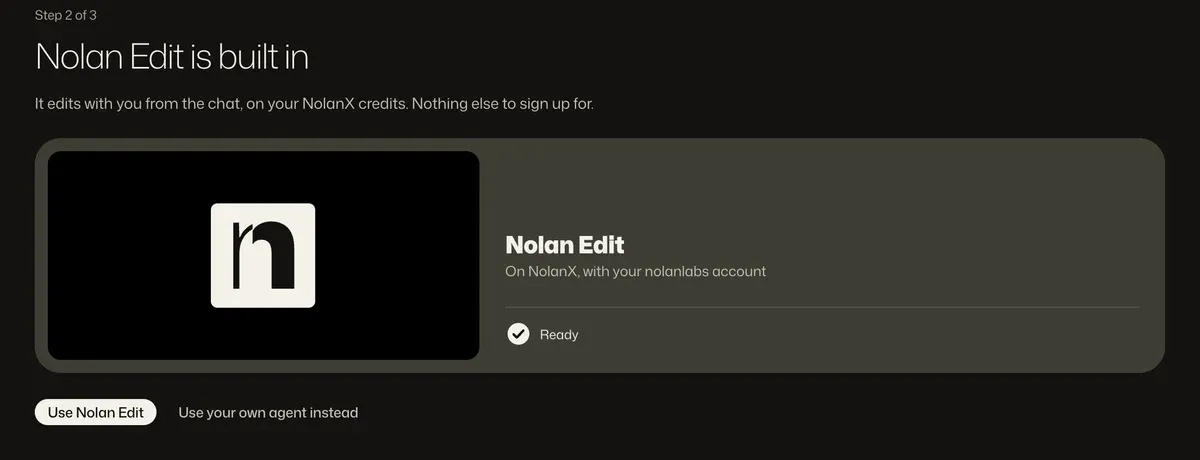
Why does Windows warn me?
The Windows installer isn’t signed yet, so Windows warns you the first time you run it. Press More info, then Run anyway, and you won’t be asked again. The Mac app is signed and notarized by Apple.
How does it update?
By itself. It looks for a new version when it starts and every four hours, downloads it in the background, and installs it when you quit.
Can I use my own agent?
Yes. Nolan Edit comes with your account, and Claude Code, Codex, Gemini CLI or any ACP agent works on the same timeline, on your own account with its maker. Connect your agent