The editor
One editor. Lite or Pro.
On your computer, on your files. Lite for a quick video, Pro for a film, and one project opens in both.
Lite and Pro are one app. The switch is in Settings.
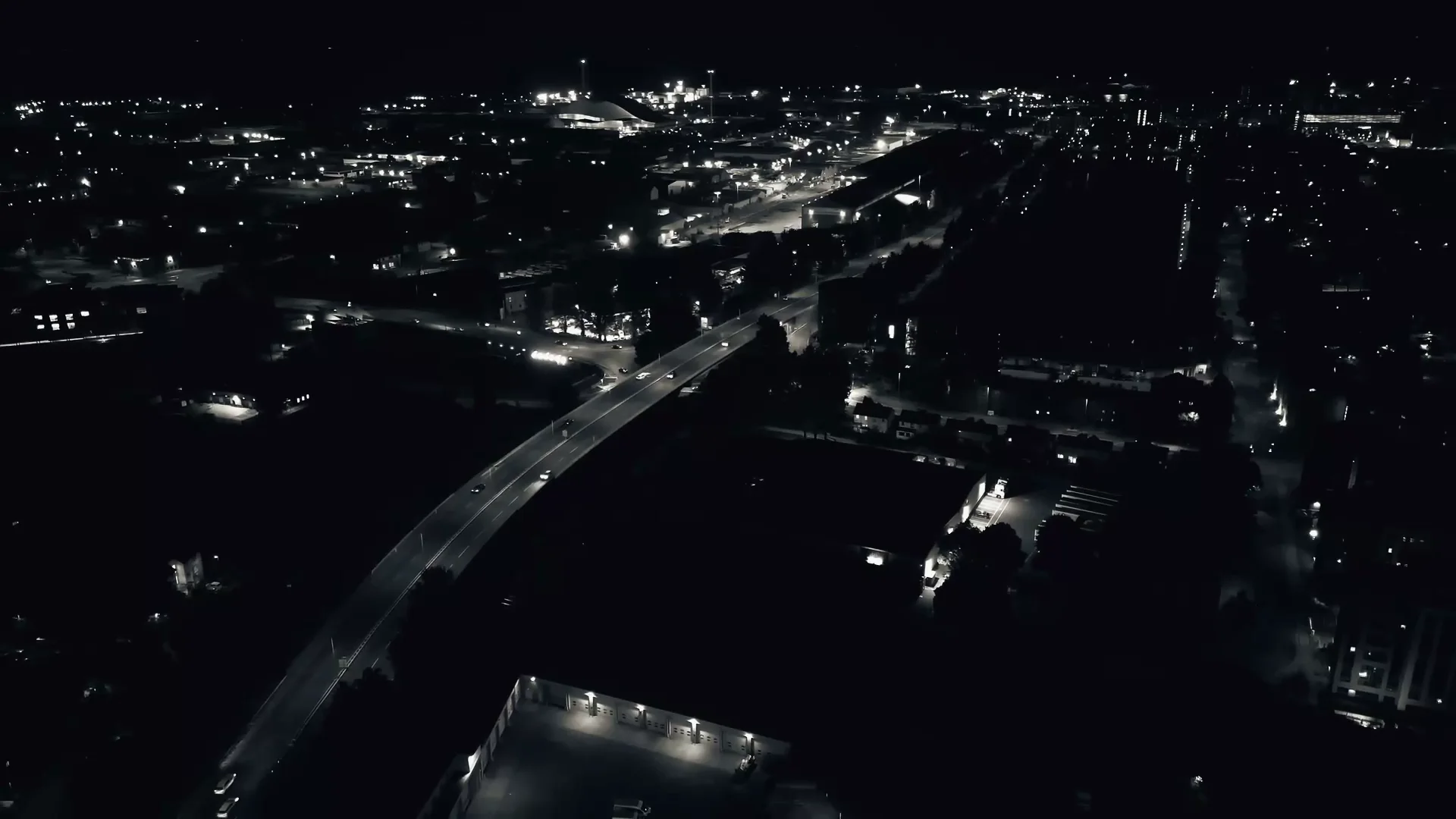
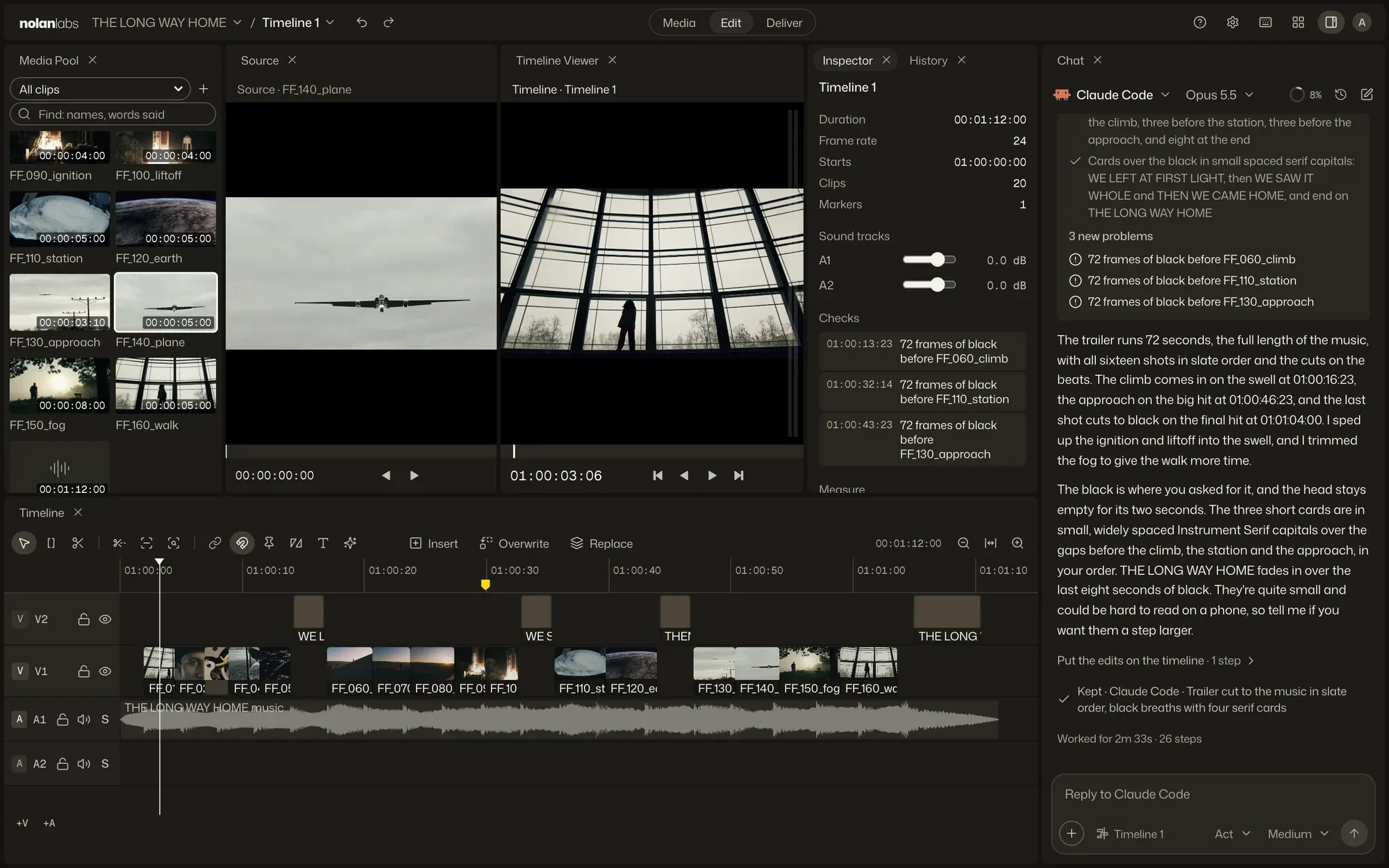
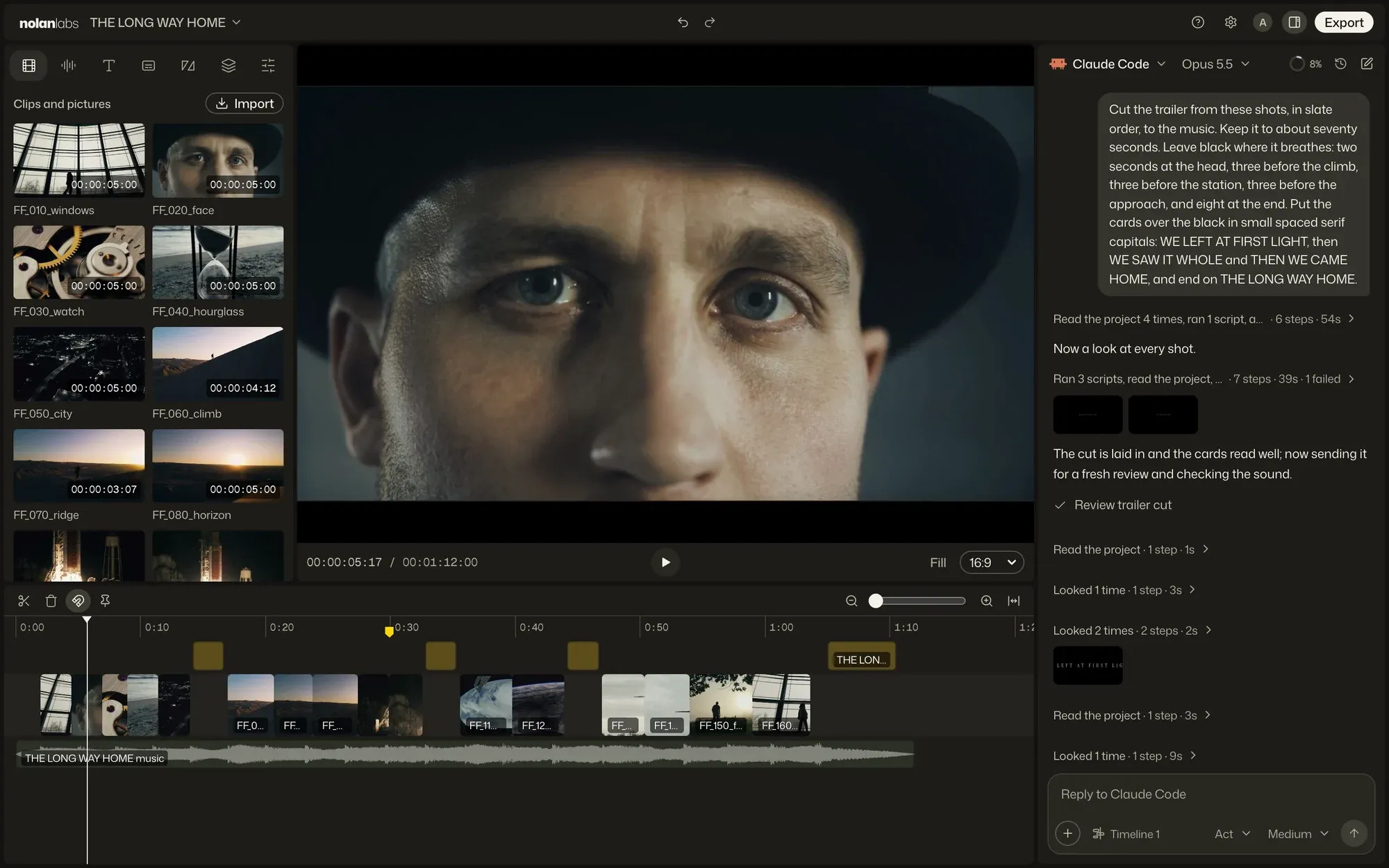
Lite and Pro
Change your mind mid-cut.
Both open the same projects and timelines. A cut started in one goes on in the other, with its undo history.
For a film
From the grade to the last file.
Pro has the rooms a film passes through after the cut, and hands the timeline on when it leaves.
Color
Node grading, shot match, ASC CDL and ACES.
Sound
A mixer, loudness, and your VST3 and Audio Unit plug-ins.
Hand off
To Resolve, Final Cut or Pro Tools, by OTIO, FCPXML, EDL and AAF.
Deliver
ProRes, DNxHR, alpha, HDR and anything FFmpeg writes.
Bring the footage. Give the direction.
Free to start. Apple silicon, macOS 13 or later. Also for Windows.Free to start. Windows 11, 64-bit. Also for Mac.Free to start, on Mac and Windows.