Pro is the editor in full.
Tracks, trim tools, color, sound, effects and delivery. For a film, from the first cut to the last render.
Lite and Pro are one app. The switch is in Settings.

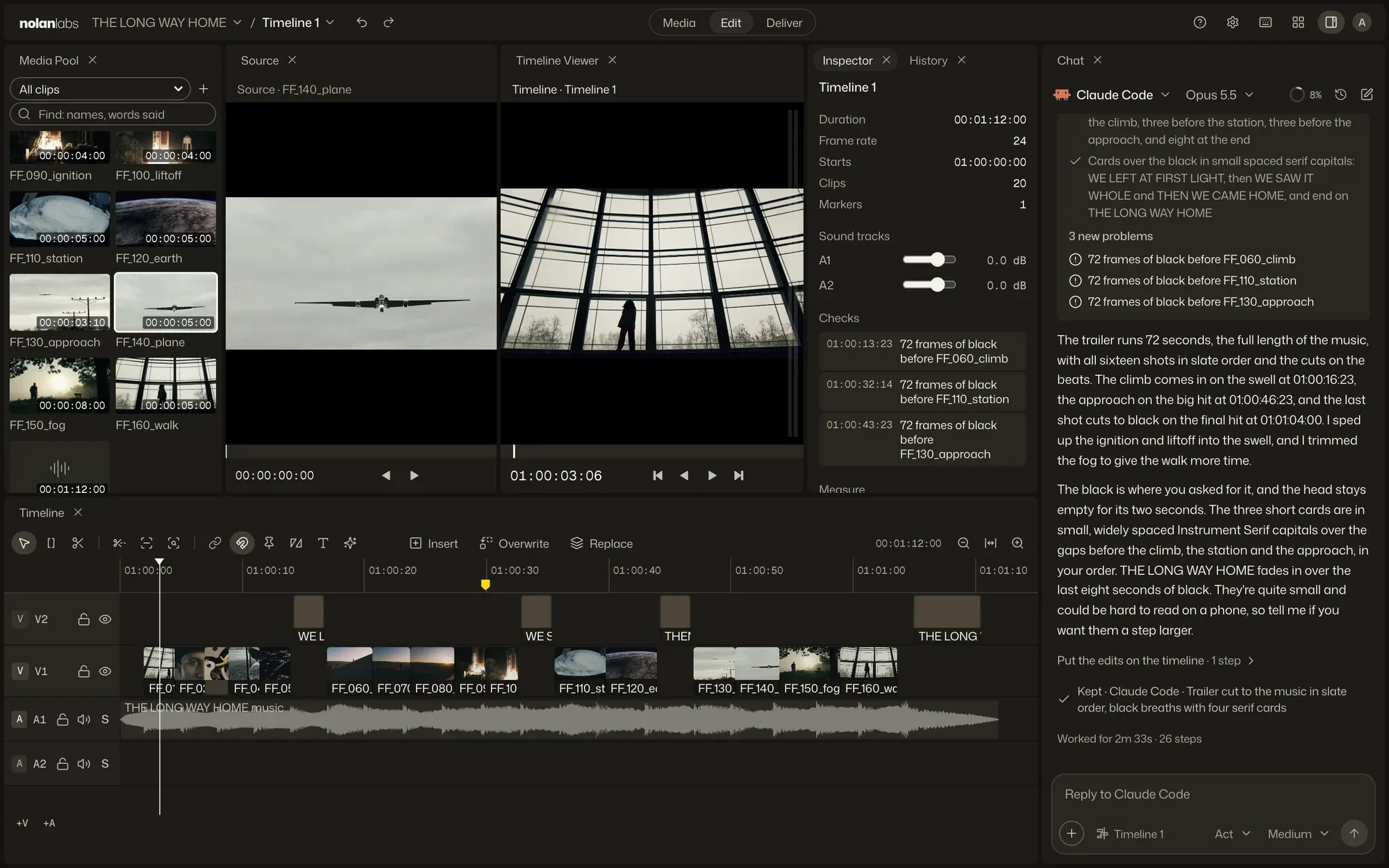
- Three pages hold the job: Media for the footage, Edit for the cut, Deliver for the render.
- Panels dock, tab and float, and each page keeps its layout.
- Two viewers show the source and the timeline.
- The chat is a panel on every page.
The timeline
If you cut in Resolve, you already know it.
Layout and keys follow DaVinci Resolve, with Nuke’s where Resolve has none. From Avid or Premiere, most of it is familiar.

- ATB
Select, Trim and Blade, with ripple, roll, slip and slide.
- F9F10F11F12
Three-point edits: insert, overwrite, replace, place on top.
- ShiftM
A marker for the agent, with your note on it.
Color
Grade the shot where you cut it.
Color is in the Inspector, with scopes beside the viewer. The picture follows as you drag.
- Lift, gamma and gain wheels, tone curves and LUTs
- Nodes in serial, parallel or layer, each at its own mix
- Masks you draw, and a region followed through the shot
- One shot matched to another
- ASC CDL and ACES
Delivery
Render it, check it, hand it off.
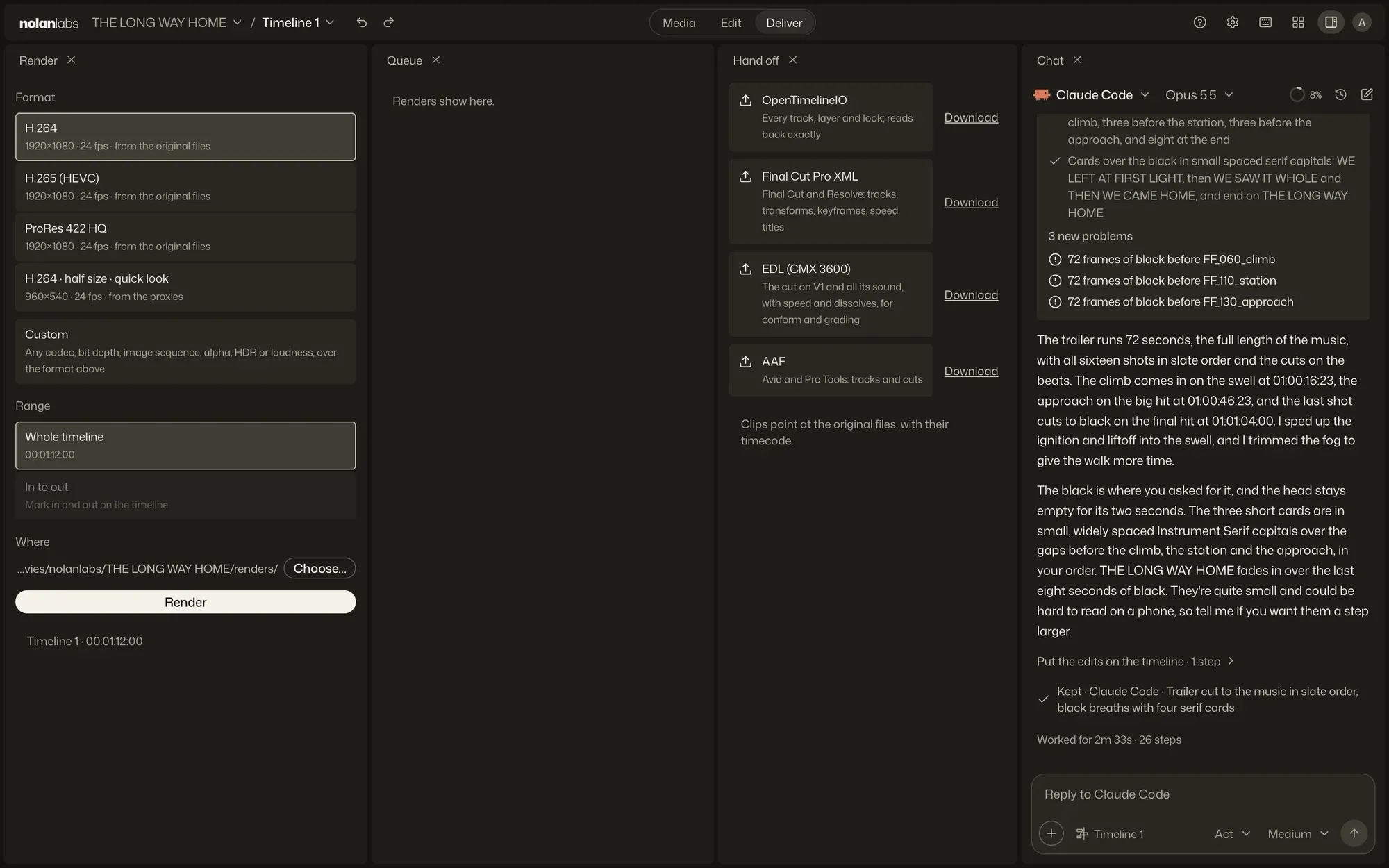
The Deliver page holds the render settings, the queue and the hand-off files. A finished render is measured before you send it.
- H.264, H.265 and ProRes 422 HQ, from the original files
- Any codec and container FFmpeg writes: DNxHR, image sequences, alpha, HDR
- Each render measured for loudness and true peak, and checked for black or frozen frames
- Keep each stretch, and changing one shot renders one shot
- The timeline out, and back in, as OTIO, FCPXML, EDL or AAF
Lite and Pro
Change your mind mid-cut.
Both open the same projects and timelines. A cut started in one goes on in the other, with its undo history.
Settings is the gear in the top bar. A new install opens in Lite.
nolanlabs beside other editors
Bring the footage. Give the direction.
Free to start. Apple silicon, macOS 13 or later. Also for Windows.Free to start. Windows 11, 64-bit. Also for Mac.Free to start, on Mac and Windows.