Six kinds of shot work. Each handed back as layers.
Pick the job your shot needs to see what you mark, what comes back and where it’s hardest.
Request a demo-
01
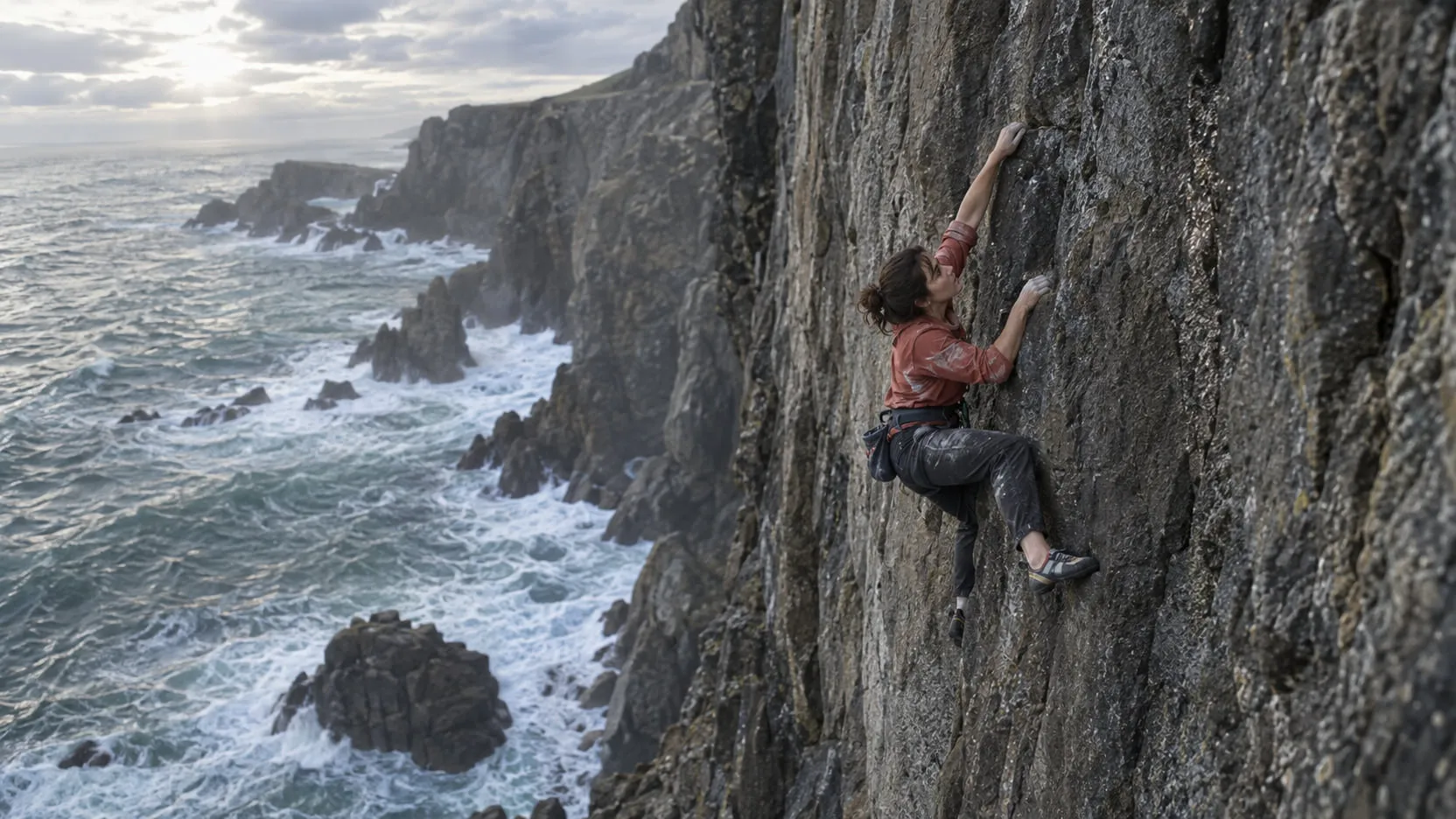
Cleanup
Mark the wire, the rig, the crew. They’re painted out across the shot, and nothing else in the frame moves.
- Wires and rigs
- Tracking markers
- Crew and reflections
- Logos
Back Clean plate · Fill patch · Edit-region matte
-
02
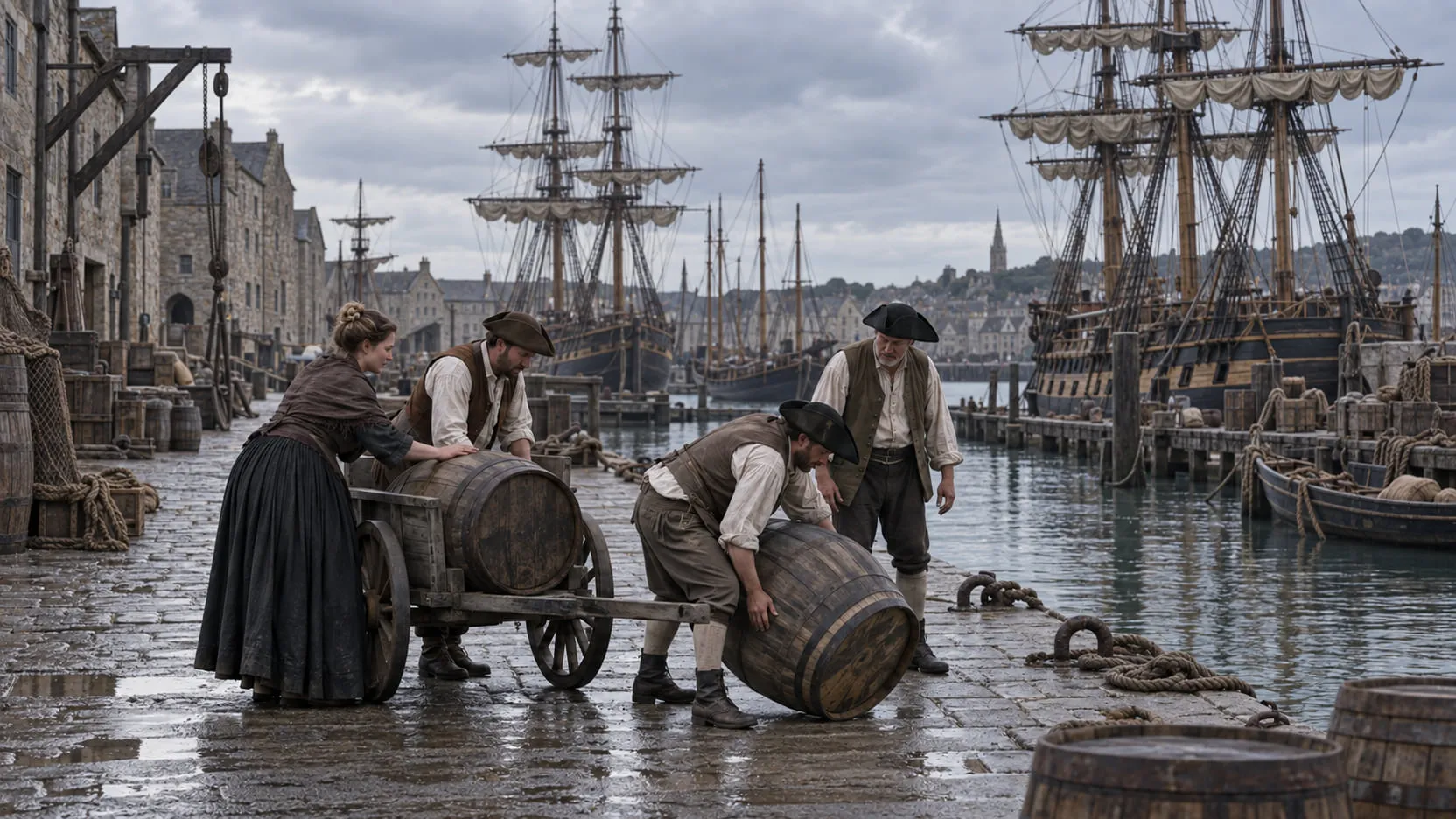
Environment
A new background, a set that runs past its edge, a different century, another sky — behind the performance you shot.
- Background replacement
- Set extension
- Period conversion
- Sky replacement
Back Comp · Background layer · Matte
-

03
Relighting
Change the hour, the direction and the color of the light, or match one shot to the next. The performance stays as shot.
- Time of day
- Light direction
- Day for night
- Lighting match
Back Relit shot · Original plate · Matte
-
04
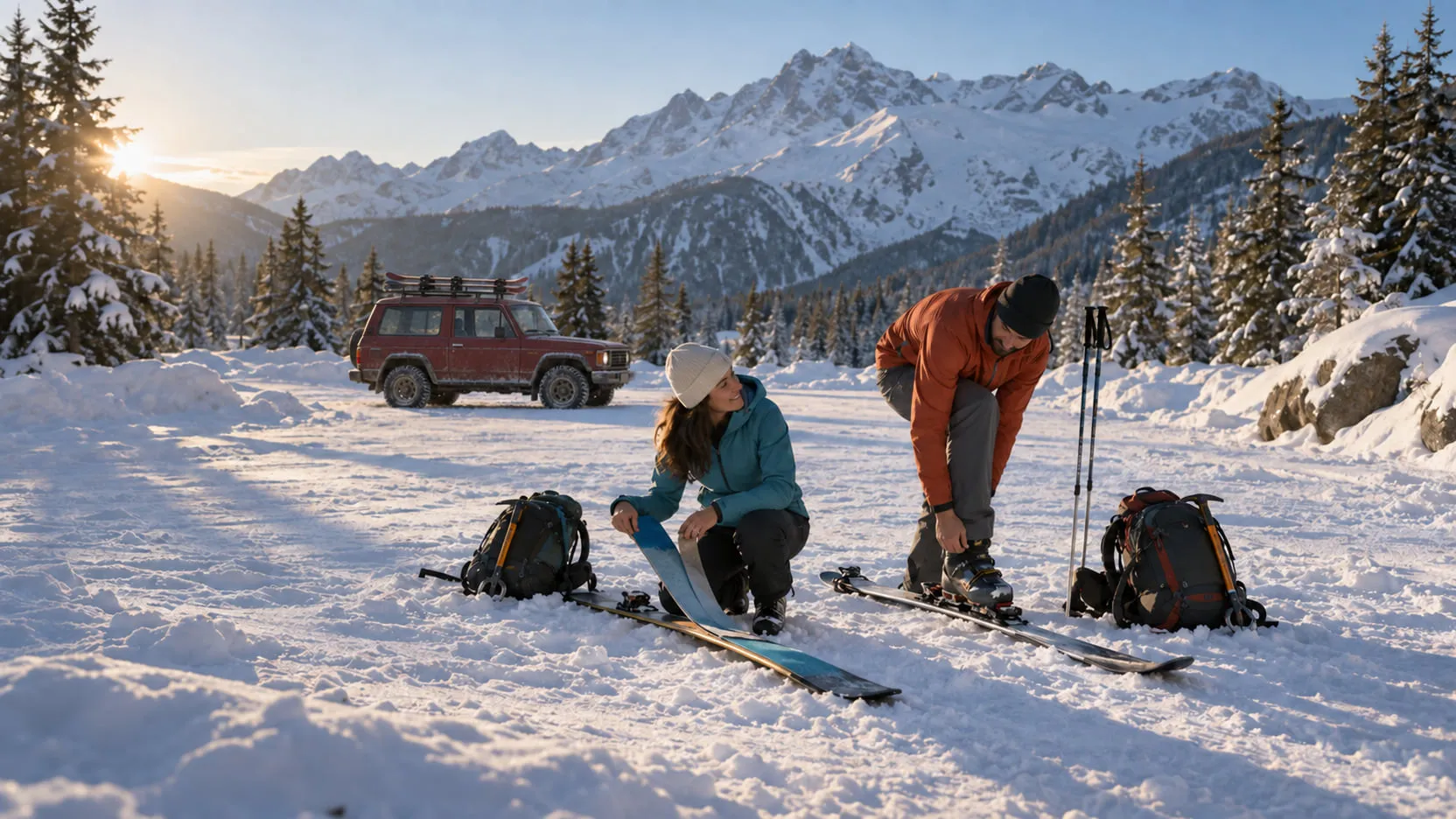
Object editing
Add, remove or replace props, costumes, vehicles and set details, tracked through the shot with a matte for every change.
- Props
- Costumes
- Vehicles
- Set dressing
Back Comp · New object (RGBA) · Edit-region matte · Clean plate
-
05
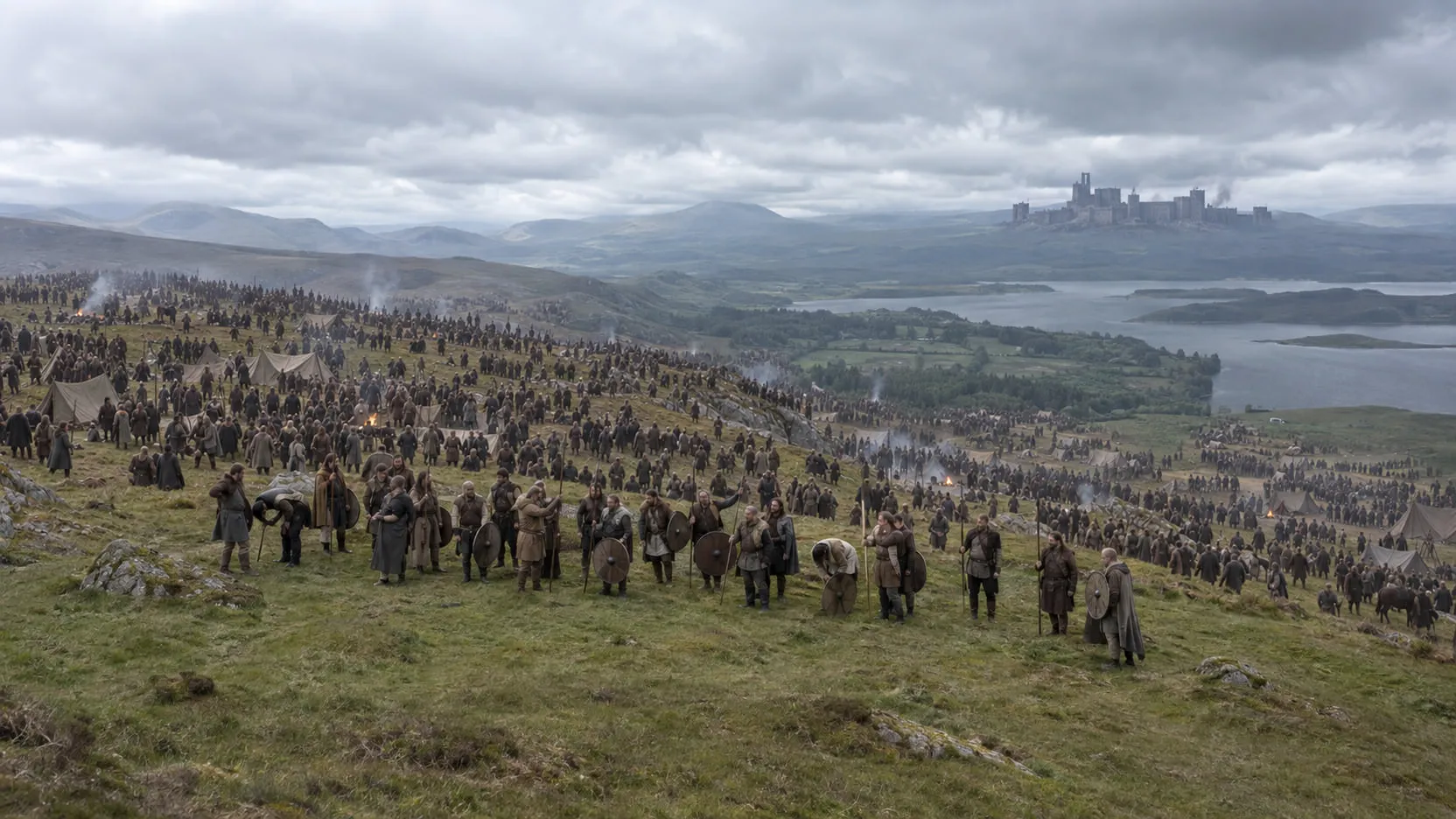
Crowd & scale
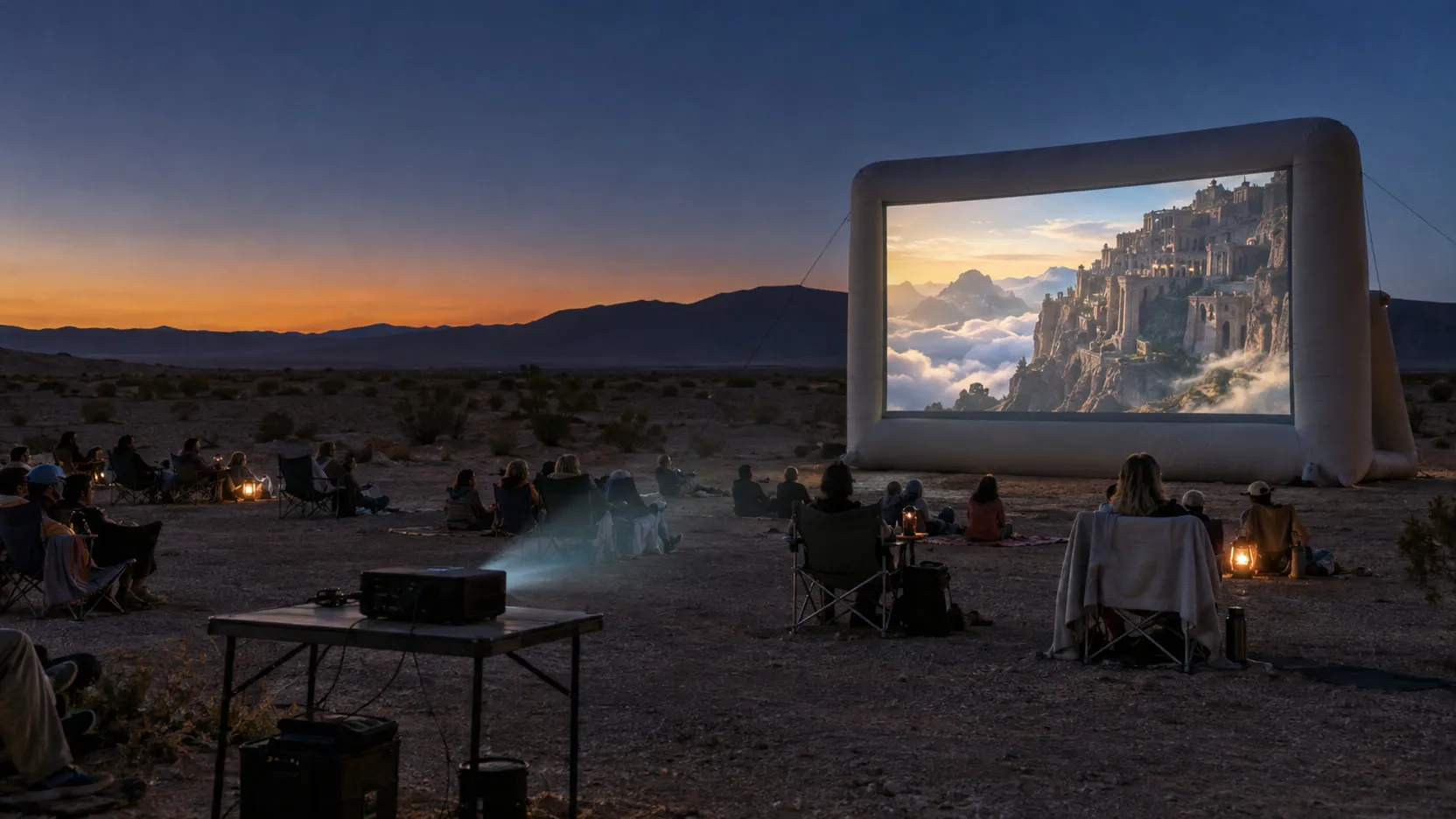
Multiply the crowd you shot and build the rest of the world around it: battlefields, castles, stadiums, cities.
- Crowd multiplication
- Battlefields
- Castles and cities
- Stadiums and arenas
Back Comp · Crowd layer · Extension layer · Matte
-
06
Performance assist
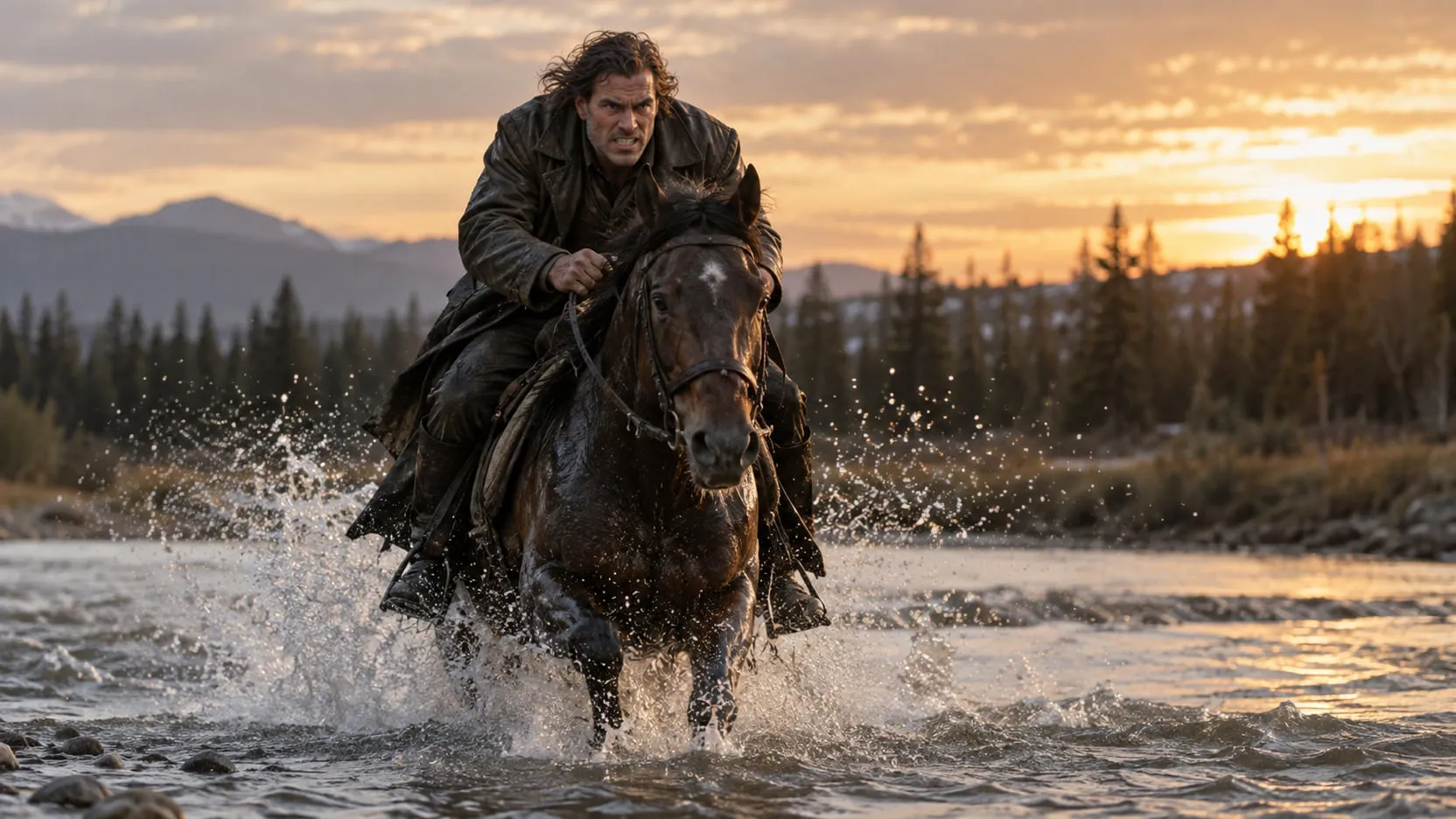
Nudge an eyeline, match lips to a new line, put the lead’s face on the stunt double — only with the performer’s consent.
- Eyeline
- Lip-sync and dubbing
- Stunt-double face replacement
- Stunt-double integration
Back Comp · Changed region (RGBA) · Edit-region matte
Bring the shot you’d rather not do by hand.
Access to nolanlabs is by invitation. It starts with a 30-minute demo — on your own footage if you like.
Request a demo