Sky replacement in video: how to make a new sky look real
How to replace a sky in video: a sky matte that holds on trees and hair, a track, a plate that matches the sun, and foreground light to match.
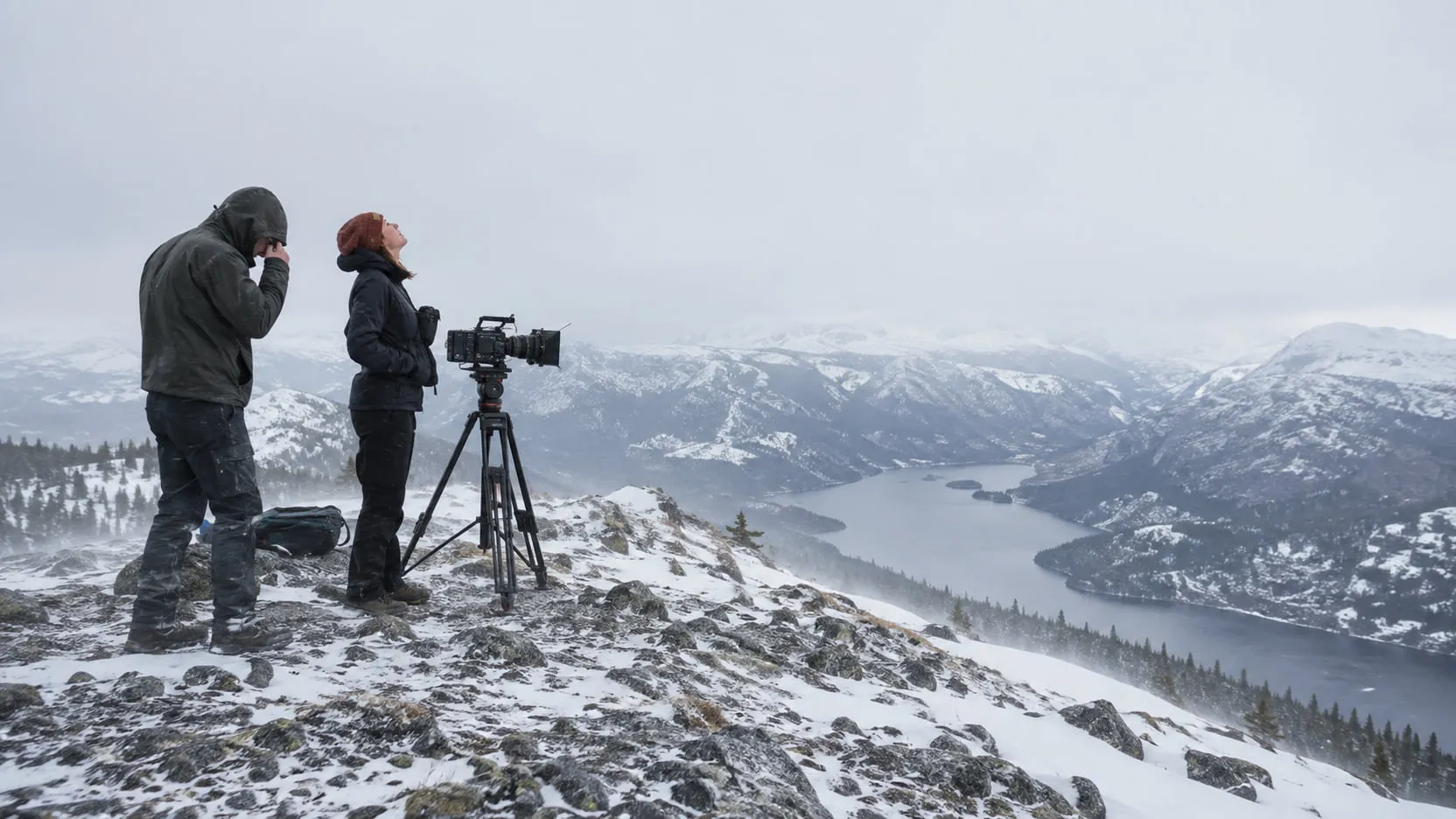
Sky replacement is compositing a new sky behind a shot while everything below the horizon stays as shot. To do it in video you need three things: a matte of the sky that holds on edges like trees and hair, a track so the new sky moves with the camera, and a new sky whose light matches the foreground in direction, color and time of day. The last one decides whether anyone believes it. A dramatic sunset over a flatly lit overcast foreground reads as fake, so either pick a sky that fits the light you shot, or grade and relight the foreground to fit the sky you want.
Below: the workflow step by step, the sky matte, the tools as of September 2026, choosing a sky plate, matching the light, and a table of fixes.
How do you replace a sky in video, step by step?
You work from the matte outward: separate the sky, make the new sky move with the camera, then spend most of your time making the two layers agree. A sky is effectively at infinity, so it barely shifts when the camera travels; pans, tilts and rolls are what move it in frame. That makes the track simpler than for a nearby background, and any slip against the horizon more obvious.
- Check the source. A log or raw original may hold sky detail the Rec.709 grade clipped. Sometimes a better grade of the real sky is the answer.
- Pull the sky matte: key, segment, roto, or all three (next section).
- Track the camera. Track the original sky if it has clouds, otherwise distant features near the horizon. A camera that only rotates needs a 2D or rotational solve; one that travels past close foreground needs a 3D solve.
- Choose the sky plate for sun position, time of day, lens, coverage and motion.
- Place it in perspective. Match the horizon height and angle to the camera, and apply the shot’s lens distortion to the sky.
- Defocus it. Focused on a foreground subject, most lenses leave the sky soft.
- Match exposure and color. In daylight the sky is usually brighter than almost everything below it. A new sky darker than a sunlit white shirt reads as a graduated filter.
- Match the foreground light to the sky: direction, softness, warmth. This is the step people skip.
- Treat the edges. Correct the old sky’s color out of semi-transparent edge pixels, then add a subtle light wrap.
- Add atmosphere. Distant hills take on the sky’s color and lose contrast. Add haze toward the horizon so they belong to the new sky.
- Match grain and sharpness, then review at full speed and after the final grade.
How do you get a clean sky matte around trees and hair?
Start with a key, because the sky is usually the brightest and most uniform part of the frame. Use AI segmentation where the key fails, and roto the hard edges.
- Luma and color keys. A blue sky keys on hue; a white overcast sky keys on brightness. Keys give real partial transparency in leaves and hair, which segmentation masks often flatten into a hard edge.
- AI segmentation. Resolve’s Magic Mask and After Effects’ Object Matte find the sky, or the foreground, from a click. They hold the big shape and solid edges like rooftops, and are less reliable in moving foliage. Use the mask as a garbage matte and let the key handle fine detail inside it. We compare these tools in AI masking in After Effects, Resolve and Premiere.
- Roto for hard edges. Rooftops, poles, the line of a hill: a tracked spline holds them without chatter.
Blown-out skies key easily and edge badly. A clipped sky has no detail to keep, but its light spreads into everything near it: thin branches and hair get thinner, and every edge pixel carries some of that white. Put a darker sky behind it and the edges glow. Adobe’s Photoshop documentation says its improved sky tool reduces halos “when bright skies are replaced with darker ones or vice versa”; video has the same problem without the tool. The fix is edge color, not matte size: pull the old sky’s contribution out of the semi-transparent pixels or push their color toward the new sky, and don’t choke the matte.
Trees are the hardest part of most sky replacements. Leaves move, gaps open and close, and a matte that differs slightly on each frame shimmers against a sky with more contrast than the original. Keep the edge treatment consistent, check at speed, and accept a softer blend behind dense foliage. Hair against the sky is the same problem at closer range: a clean sky keys better than a busy background, but the edge color still has to change.
Which tools can replace a sky in video?
As of September 2026, DaVinci Resolve has a dedicated sky replacement effect for video; After Effects and Nuke do it as a composite you build from their keying, tracking and compositing tools; Photoshop’s Sky Replacement is for still images.
DaVinci Resolve. The Resolve 21 Reference Manual documents a Sky Replacement effect among the Resolve FX (in the Resolve FX Stylize chapter), used on the Color page. It does not select the sky itself: you key the sky with a qualifier (HSL, 3D, a Power Window or Magic Mask), and the effect replaces it with a generated sky or your own plate connected through an extra OFX input. Its tracking options are Keyframing Only, Track Foreground, Track Original Sky and Use FX Tracker; the manual calls Track Original Sky the most reliable when the sky has detail like clouds. It adds lens distortion, defocus, exposure and grain controls, and a Foreground Appearance section that shifts the foreground’s color cast toward the new sky. The manual lists Magic Mask v2 as Studio only, and names sky replacements among the effects better suited to the Fusion page when the comp grows.
After Effects. You assemble it. Object Matte selects and propagates a matte, with a Refine Edge tool for hair; a key does the job on a clean sky. If it loses the skyline partway through, see Object Matte not working. Boris FX describes Mocha AE, its planar tracker, as a lite version of Mocha Pro “included inside Adobe After Effects.” The 3D Camera Tracker has a Tripod Pan solve method for purely rotational moves, often what a sky needs.
Nuke. A composite too: a keyer, CameraTracker (NukeX and Nuke Studio) for moves with parallax, and LightWrap to spill background light onto the foreground’s edges. CopyCat (NukeX and Nuke Studio) trains a network on a few frames you’ve fixed, with garbage matting among Foundry’s examples, and applies it to the rest of the sequence.
Photoshop. Sky Replacement (Edit > Sky Replacement) is documented for images, with foreground lighting and color adjustment toward the new sky. It is useful for testing a sky on a single frame, not for the moving shot.
How do you choose the right sky plate?
Choose the sky for the light you shot, then check that it survives the camera move. In practice:
- Sun position. The sun in the new sky should be where the foreground’s shadows say it is. If you know the location, date and time of the shoot, NOAA’s Solar Calculator gives the sun’s azimuth and elevation.
- Time of day. Color temperature, contrast and sun height come with the hour. A golden-hour sky needs golden-hour light on the foreground.
- Lens and horizon. A wide lens shows clouds converging hard toward the horizon; a long lens flattens them. Use a plate from a similar focal length, with its horizon where yours is.
- Resolution and coverage. The plate has to cover the frame plus the whole camera move and still hold detail at delivery resolution. An over-scaled sky goes soft next to a sharp, grainy foreground.
- Moving or still. Real clouds drift, so a long shot needs some motion. Time-lapse skies move far too fast; slow them down.
- Bit depth. Skies are smooth gradients and band under a strong grade. Use the best plate you have, and add grain.
- Rights. Use sky plates you shot or licensed for the production.
How do you match the foreground’s light to a new sky?
A new sky implies new light, so the foreground has to look lit by it. Overcast gives soft, almost shadowless light; a clear sky gives a hard sun key and blue fill in the shadows; a sunset gives low, warm side light and long shadows. Put one sky over another sky’s light and viewers feel it even when they can’t say why.
Three levers, in order of cost:
- Pick a sky that fits. An overcast foreground takes a heavier, moodier overcast or a storm far better than a blue sky with a sun in it.
- Grade the foreground. Shift warmth, contrast and shadow color toward the new sky. Resolve’s Foreground Appearance does a version of this automatically, weighted toward the horizon if you choose. A grade changes color and contrast evenly; it can’t move a shadow or create one.
- Relight it. When the light itself has to change, from overcast to low sun, you need relighting. Resolve’s Relight effect (Studio) adds light sources that follow surfaces, but the manual notes that shapes “cannot be made to cast shadows.” AI relighting goes further and changes light and shadow across the whole frame. We cover the extreme case, turning day into night, in day for night.
Reflections carry the old sky too. Windows, car paint, water, sunglasses and eyes reflect whatever was above them. Replace the sky in the reflections as well, flipped and distorted to the surface, or darken them to fit.
Why does my sky replacement look fake?
Most failures come from the edges, the track or the light.
| Problem | Likely cause | Fix |
|---|---|---|
| Halo or white fringe around trees, buildings or hair | Old bright sky mixed into semi-transparent edge pixels | Correct edge color toward the new sky; don’t choke the matte; add a subtle light wrap |
| Flicker or shimmer in the trees | Matte changes shape from frame to frame in the foliage | Key the detail inside a stable garbage matte; keep the edge treatment consistent; check at speed |
| Sky slides against the horizon | No track, a weak track, or points on moving objects | Track the original sky or distant features; use a rotational solve for pans, a 3D solve for moves with parallax |
| Sky wobbles on a handheld shot | Track lacks rotation, or the sky ignores lens distortion | Track position, rotation and scale; distort the sky with the shot’s lens |
| Foreground looks pasted in front of the sky | Light direction, softness or color doesn’t match the sky | Choose a sky that fits the light, grade the foreground, or relight it |
| Sky too sharp or too clean | No defocus, no atmosphere, no grain | Defocus to the lens, add haze toward the horizon, match grain |
| Horizon or clouds look wrong | Plate shot at a different focal length or camera angle | Match horizon height and angle; choose a plate from a similar lens |
| Clouds move too fast | Time-lapse plate, or a plate retimed faster | Slow the plate, or use normal-speed footage |
| Banding in the new sky | Low-bit-depth plate pushed by the grade | Use a higher-quality plate; add grain |
| Windows or water show the old sky | Reflections not replaced | Replace the sky in reflective surfaces, or darken them to fit |
Where nolanlabs fits
Sky replacement is part of nolanlabs Environment work. You describe the sky you want or bring a reference plate, mark anything that must stay, and nolanlabs returns the comp, the sky layer and the matte as separate files, so you can refine the edges or regrade the sky in your own compositor. The actors and what they touch keep their original pixels. When the foreground light has to follow the new sky, that is a Relighting job: light and shadow change across the whole frame while the performance, framing and timing stay, and nolanlabs says so before the run. The honest limits: long camera moves with strong parallax need a solid track, and weather that touches the actors, like wet hair or snow on shoulders, changes the actors too, which is also declared before the run. Access is by invitation; request a demo with the flat-sky shot and a reference for the sky you want.
Choose the sky for the light you shot. A modest sky that agrees with the foreground holds up; a spectacular one that doesn’t needs the foreground relit. When the change goes past the sky to buildings or a skyline that continues the set, it’s a set extension; for replacing everything behind the actors, see how to replace a video background without a green screen.
Questions
- Can DaVinci Resolve replace a sky in video?
- Yes. As of September 2026, DaVinci Resolve has a Sky Replacement effect in Resolve FX on the Color page, documented in the Resolve 21 Reference Manual. It doesn't select the sky itself: you key the sky with a qualifier, a Power Window or Magic Mask, then the effect adds a generated sky or your own plate, tracks it to the camera, and offers lens distortion, defocus, grain and foreground color adaptation.
- How do you replace a sky in After Effects?
- You build it from parts. Pull a matte of the sky with a key or Object Matte, track the camera with Mocha AE or the 3D Camera Tracker, place the new sky behind the foreground, then match defocus, color and grain and add a little light wrap. There is no single step that does the matte, the track and the light for you.
- How do you replace an overcast sky in video?
- Key the white sky with a luma key, fix the bright fringe it leaves in edges, and track the new sky to the camera. The bigger problem is the light: an overcast day has soft, shadowless light, so a clear blue sky or a sunset behind it looks pasted in. Choose a sky that could have produced that light, such as a heavier or more dramatic overcast, or grade and relight the foreground to match.
- Why does my replaced sky flicker around trees?
- Because the matte changes shape from frame to frame in the leaves and branches, and each change shows as a shimmer against the new sky. Key the fine detail inside a stable garbage matte instead of relying on one AI mask for everything, soften the edge slightly, and review at full speed. Dense, wind-blown foliage is still one of the hardest cases for any matte.
Sources
- DaVinci Resolve 21 Reference Manual — Blackmagic Design (Sky Replacement and Relight in Resolve FX; Magic Mask v2) — accessed 2026-09-27
- AI-powered Object Matte — Adobe After Effects Help (last updated Sep 9, 2026) — accessed 2026-09-27
- Tracking 3D camera movement — Adobe After Effects Help (last updated Jan 19, 2026) — accessed 2026-09-27
- Mocha AE — Boris FX — accessed 2026-09-27
- Replace the sky in images — Adobe Photoshop Help (last updated Jul 2, 2026) — accessed 2026-09-27
- CameraTracker — Nuke 17.1 Reference Guide, Foundry — accessed 2026-09-27
- LightWrap — Nuke 17.1 Reference Guide, Foundry — accessed 2026-09-27
- CopyCat — Nuke 17.1 Reference Guide, Foundry — accessed 2026-09-27
- Solar Calculator — NOAA Global Monitoring Laboratory — accessed 2026-09-27
Written by the nolanlabs team. nolanlabs does AI shot work for post-production; product names mentioned belong to their owners. Tool details were accurate on the date shown above — check the vendor’s documentation before relying on them.